· 3 min read · Updated
Panel PC buying guide: screen size, touch technology and protection class
Screen size, touch technology, brightness, front protection and mounting: the decisions that matter when you choose a panel PC for an HMI.
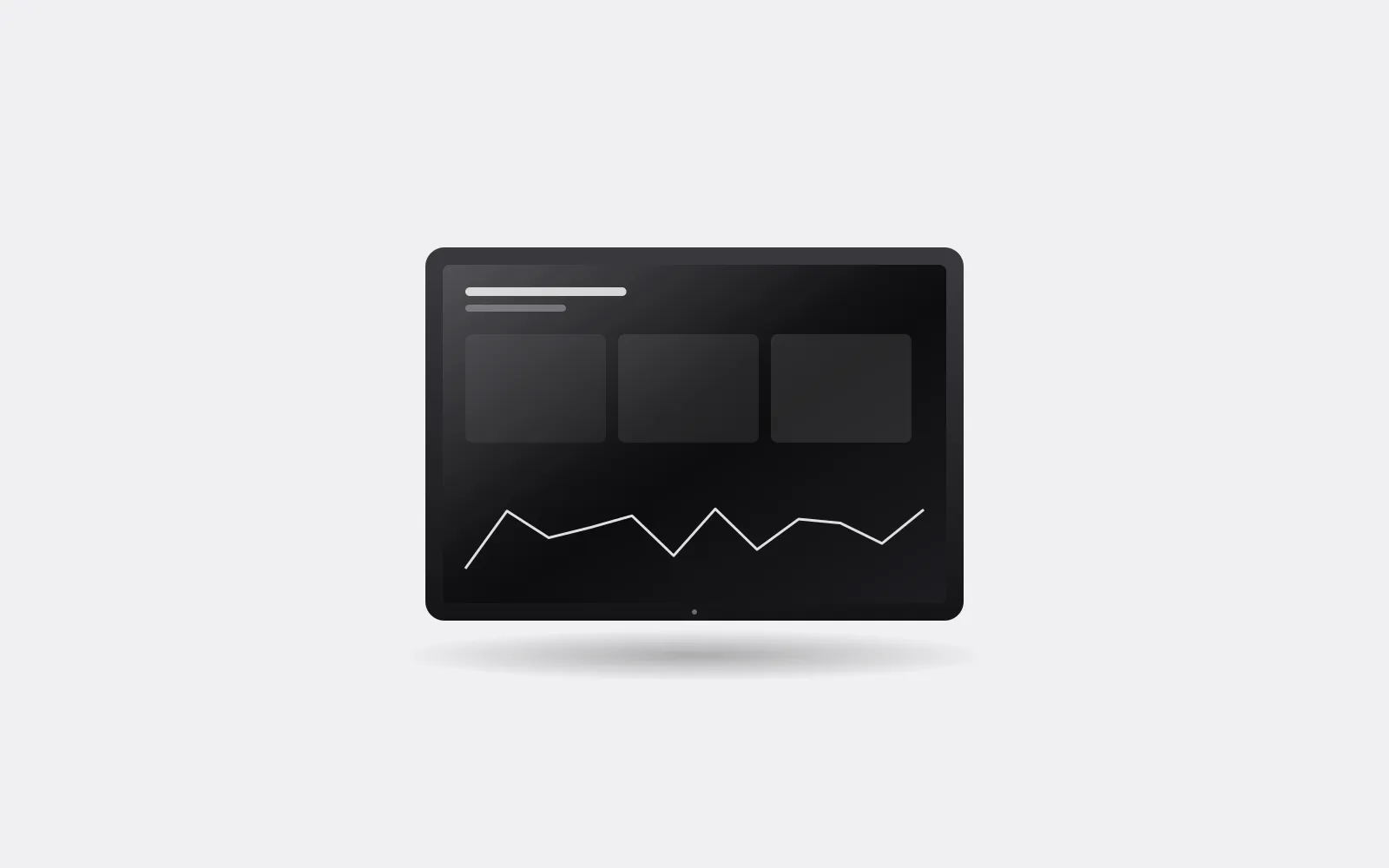
A panel PC combines an industrial computer and a touchscreen in one housing and is the most common way to build an operator panel (HMI) for machines and plants. Choosing one comes down to six decisions.
Key takeaways
- Pick the screen size from the amount of information the operator needs, not the other way round.
- Projected capacitive (PCAP) touch suits multi-touch and modern UIs; resistive touch works with thick gloves and pens.
- Use an IP65/IP66 front where the panel is cleaned with water or exposed to dust.
- Check brightness for bright halls or outdoor use, and plan the mounting early.
1. Screen size and aspect ratio
Common sizes range from 10 to 24 inches. Small panels (10–12") fit on machines with simple controls; 15–19" panels suit line control and SCADA screens; 21–24" widescreen panels are used for dashboards and multi-window applications.
2. Touch technology
| PCAP (projected capacitive) | Resistive | |
|---|---|---|
| Multi-touch and gestures | Yes | No, single touch |
| Use with gloves | Yes, with glove mode | Yes, with any glove |
| Surface | Glass, scratch resistant | Film, can wear over time |
| Typical use | Modern HMIs, food and pharma | Heavy industry, pen input |
3. Front protection
An IP65 front is dust-tight and protected against water jets; IP66 adds protection against powerful jets. For wash-down areas a flush, stainless steel front avoids dirt traps. Read more in IP65, IP66, IP67 and IP69K explained.
4. Brightness
Standard displays work indoors. For halls with daylight or outdoor installations, choose high-brightness models; see sunlight-readable displays.
5. Mounting
Panel mount into a cabinet door is the most common option; VESA mounting fits arms and stands. Measure the cut-out and depth before ordering.
6. Computer and interfaces
Size the processor for the HMI or SCADA software and list the required ports: Ethernet, serial, USB and, if needed, fieldbus.
Checklist before you request a quote
- Screen size and resolution
- Touch type and glove use
- IP rating of the front and cleaning method
- Brightness and installation location
- Mounting type and cut-out dimensions
- Software, operating system and interfaces
Compare our panel PCs or read panel PC vs. separate monitor and PC. For a recommendation, send us your checklist.
Frequently Asked Questions
Which screen size is most common for HMIs?
15 to 19 inch panels are the most common size for machine and line HMIs because they show enough information while still fitting in a cabinet door.
Is PCAP or resistive touch better for industrial use?
PCAP is better for modern multi-touch interfaces and is easier to clean; resistive touch is preferred where operators wear thick gloves or use a pen.
Can a panel PC replace a separate monitor and PC?
Yes, in most HMI applications. A separate monitor and PC is still useful when the screen must be far from the computer or very large.